Categoría: Sharepoint
-
Collab365, Global Conference and Live Show in Spanish
The next 1 and 2 of November will be held again the global conference of SharePoint and Office 365, is a conference that is transmitted by Internet and are 2 whole days of talks. This year, unlike previous years, there will be no talks in Spanish and this is very sad. The organization took the…
-
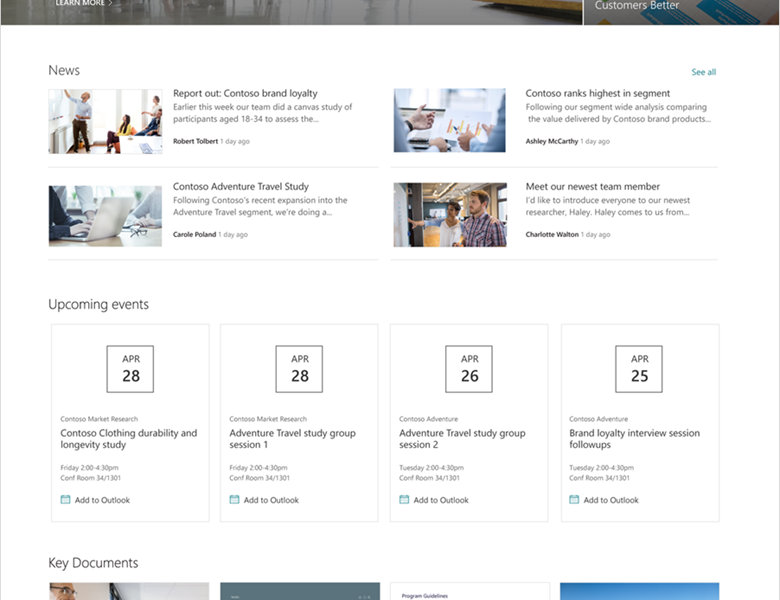
New Site Template in Office 365
Tomorrow Microsoft will be releasing new site template, Communication Sites in office 365. This modern site template could be used to create departments sites, corporate news or spaces to shows relevant information, more here: https://blogs.office.com/2017/06/27/sharepoint-communication-sites-begin-rollout-to-office-365-customers/
-

El SharePoint Saturday Day fue un éxito
The event #spsaturdaycol has been successfully in Bogotá Colombia. Here you can see some pics and the presentations that I could share with the attenders. I want say “Thank you” to the people who works in the event and in special to Andres Rojas to invite me. Here can you see the presentation …
-
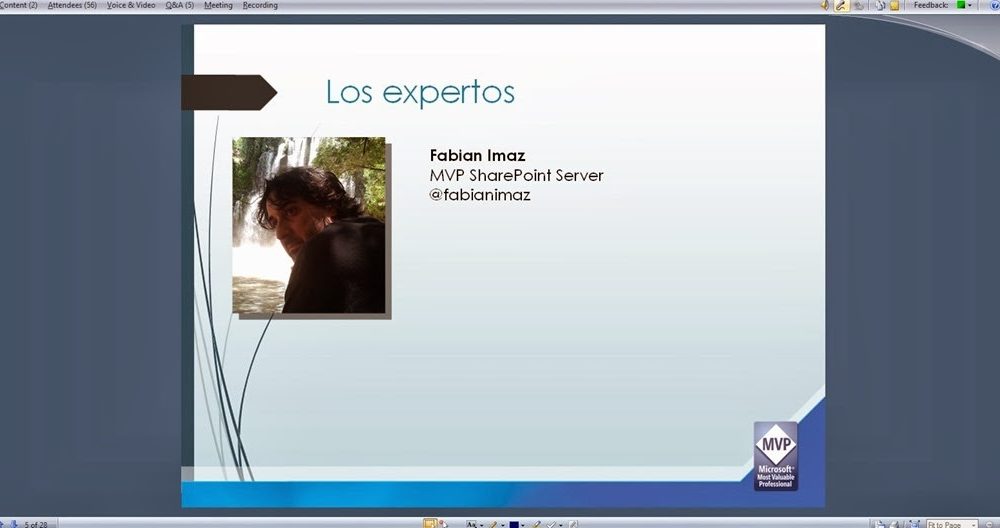
It was an successfully the webinar with the experts of SharePoint
Yesterday we had a Webinar where the attenders had the opportunity to do questions about SharePoint to a rich panel of experts of SharePoint and where each of one answered giving the best practices to resolve the problem. If you have any question or you want to know something about SharePoint follows to one of…
-
Tool to import or export metadata property mappings of SharePoint 2007 Search Engine
I have worked in several projects with the search engine of SharePoint 2007 and one of the things that did several times was create a custom metadata properties mappings to create custom scope, extend the advanced search page and more. But the problem is not creating them in the Shared Service Provider of SharePoint, the…
-
Custom configuration section on the central administration of SharePoint 2007
In the last article published we were talking about how we can create a custom configuration section in the site setting Custom group section in site settings – WSS 3.0 y MOSS 2007, in the image 1 we can see this section created. [Image 1] In this article we are going to talk about how…
-
Custom setting section in Site Setting WSS 3.0 and MOSS 2007
I want share a solution to create our custom section setting in our portals in WSS 3.0 and MOSS 2007. As can see in the image 1 we are going to add a new link in the “Site Administration” section and when we selected this link we should navigate to custom page created by us.…
-
Microsoft Office Sharepoint Designer is now free download
Today Microsoft release the Sharepoint Designer 2007 for free download. This is a great tool to work with our portals in Microsoft Office Sharepoint Server 2007 and Windows Sharepoint Services where we can create Workflows, Master Pages, Lists, Document Libraries, etc. Below there are the link to the interview with Tom Rizzo Senior Director of…
-
Customizing the advanced search Webpart adding custom properties
Pre conditions: To add custom properties to the advanced search you need custom properties created in the search engine configuration. We need to access the page where is the advanced search Webpart as we can see in the image 1. We are editing the Advanced Search Webpart to access the configuration section as we can…
-
Creating scopes for search in SharePoint 2007
Pre condition: Before configuring the search scope in our SharePoint we must sure that we created all custom properties needed to create a scope. We have 2 ways to create a search scope in SharePoint, one of them is in our shared services provider and the other is in the site collection configuration. When we…
-
Configuring the search engine and create custom properties in SharePoint
Pre condition: Before configure the search engine and create custom properties we are sure that our site has information loaded because the engine will take the fields only has information loaded. It’s necessary to create a custom properties using custom field in our list or documents libraries. The first step to configure the search engine…
-
Create a Custom Site Search Result
If we have a custom site search result in our site collection we need create it using a custom template of SharePoint. To do this we must access to the site collection settings or sub sites settings where we want to have this search result site. In the image 1 we can see the section…